How VendMizer Differs From WordPress ECommerce Plugins
By VendMizer··5 min read
Choosing between VendMizer vs WordPress eCommerce plugins often comes down to one practical question: how many separate tools should you manage to run one store? Many WordPress businesses begin with a website, then add extensions for products, checkout, payments, shipping, customer records, analytics, and recovery campaigns. VendMizer takes a different approach by providing a complete WordPress eCommerce platform designed to connect these core activities in one system.
VendMizer vs WordPress eCommerce plugins: the main difference
Traditional plugin-based setups can be flexible, but flexibility often means assembling and maintaining a collection of products from different providers. Your storefront may depend on one tool, payments on another, order management on a third, and reporting on several more. Each dependency can add configuration work, compatibility questions, updates, and support channels.
VendMizer is built as a standalone platform for managing an online business inside WordPress. Instead of treating commerce as a chain of unrelated add-ons, it brings products, orders, payments, customers, storefront management, and business insights into one connected experience. The benefit is straightforward: fewer places to check and fewer systems to keep synchronized.
The goal is not to remove every integration from commerce. Payment providers, shipping services, and other business tools still have an important role. The difference is that VendMizer gives you a central commerce foundation, so these services support your store rather than define how the entire store is assembled.
One dashboard for daily store management
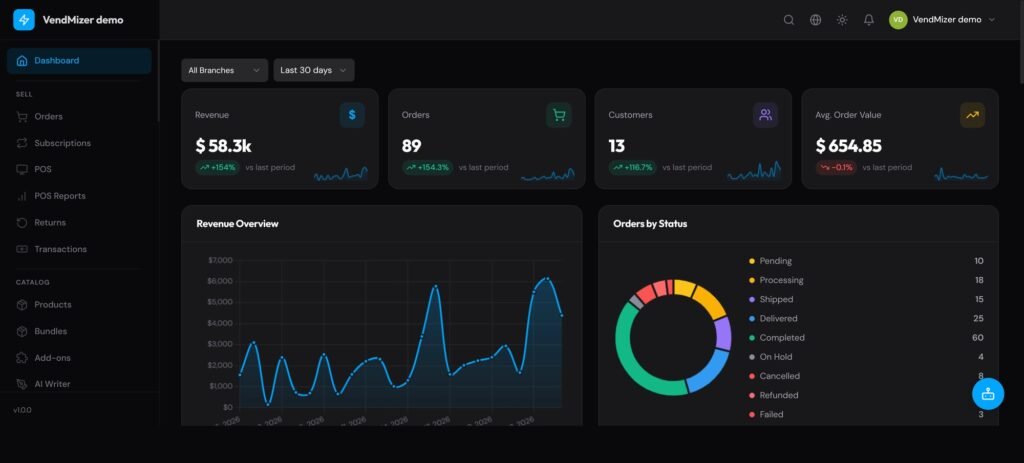
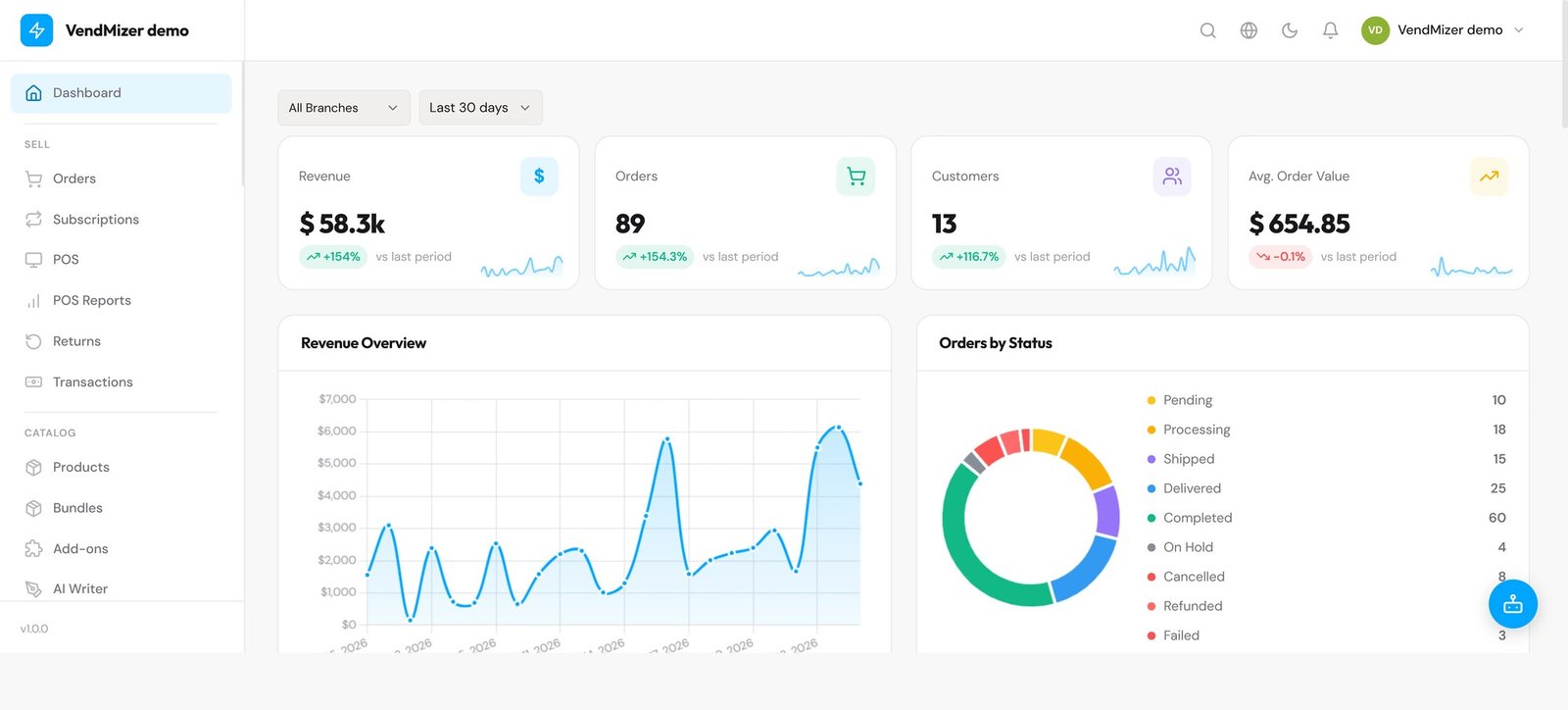
A store owner should be able to understand the business without opening several admin screens. VendMizer provides a central dashboard for reviewing revenue, orders, and order status. This gives you a practical starting point for daily work: see what needs attention, review recent activity, and move from insight to action without switching between unrelated interfaces.
Customer and order information also stay connected to the commerce workflow. That makes it easier to follow an order from purchase through fulfillment and support. For a small team, this reduces repetitive checking. For a growing business, it creates a clearer operating process that is easier to hand off.
Review revenue, orders, and order status from the VendMizer admin dashboard
A storefront editor built around your business
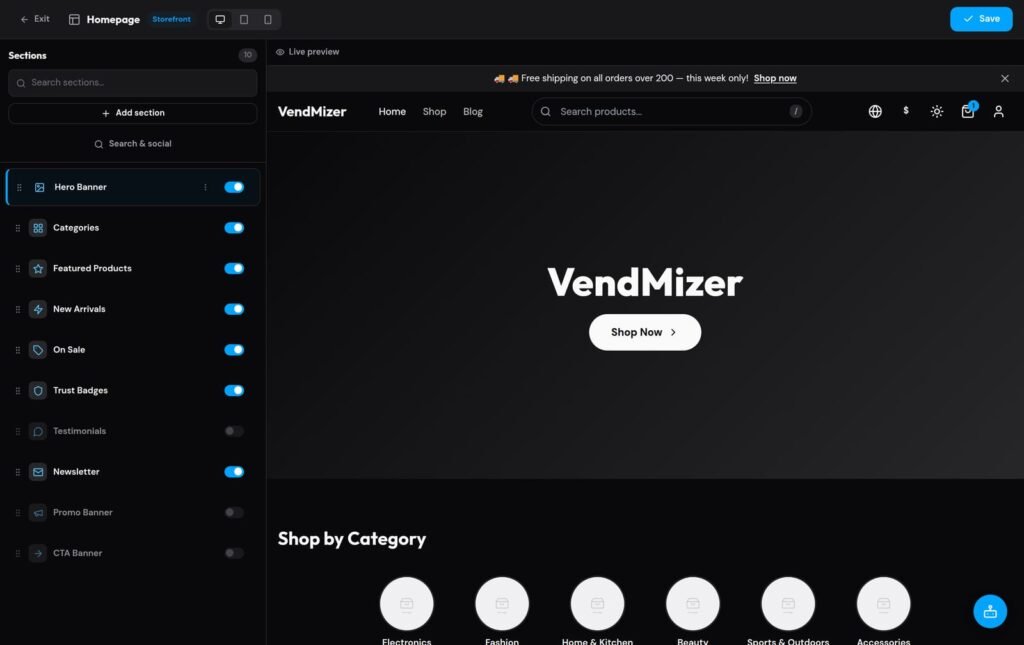
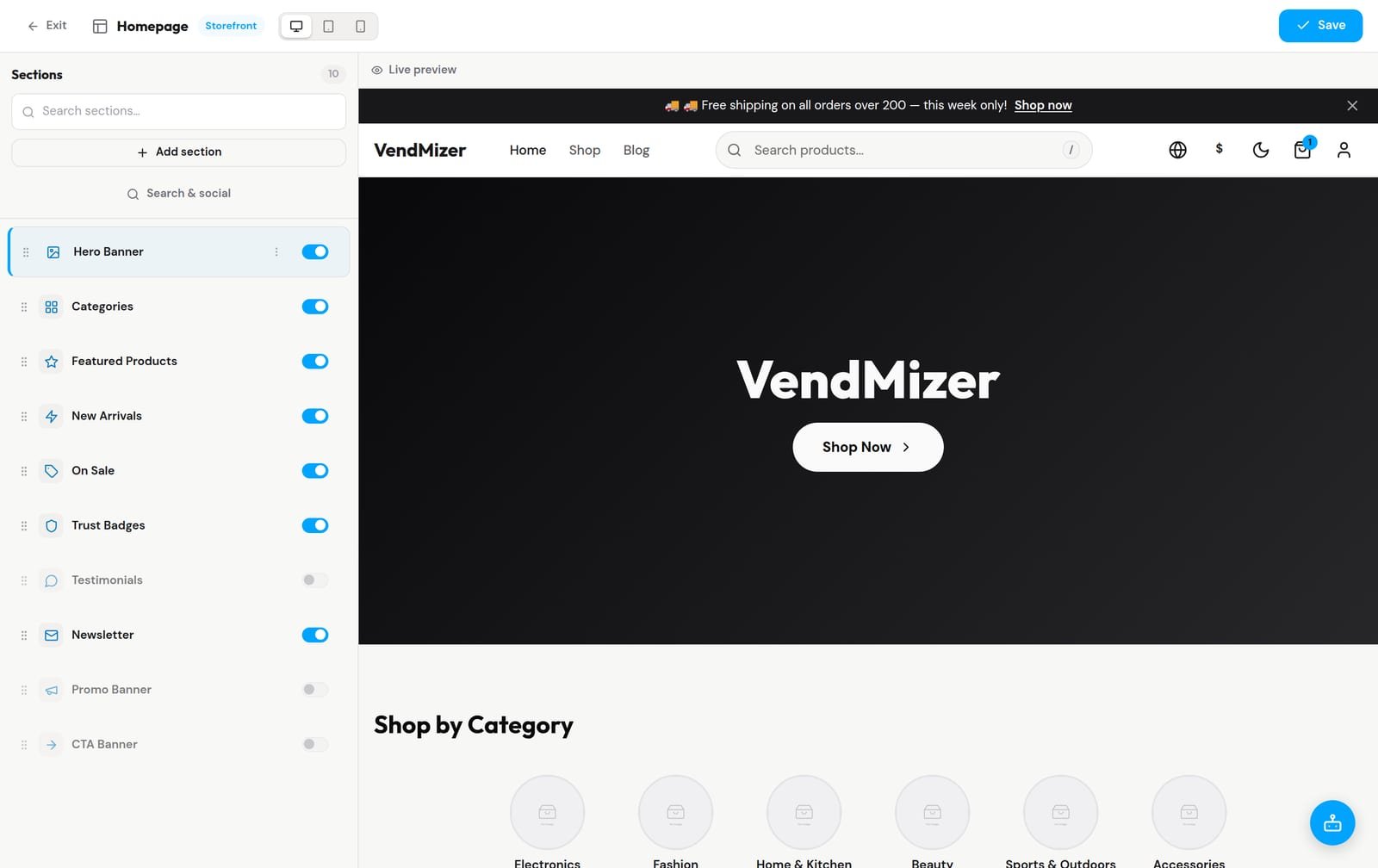
Storefront changes should not require rebuilding a page or asking a developer to adjust every section. VendMizer includes a visual section editor that lets you reorder storefront sections beside a live preview. You can shape the customer journey around your products, offers, trust information, and calls to action while seeing how the page is organized.
This approach helps store owners make useful improvements faster. You can place important content where customers are most likely to see it, keep navigation purposeful, and refine the presentation as your catalog changes. The result is greater control over the storefront without adding another page-building dependency to your stack.
Reorder storefront sections beside a live preview in the VendMizer visual editor
Commerce operations, not only product listings
Some eCommerce tools focus mainly on displaying products and accepting orders. VendMizer is intended to support the wider operating cycle. You can manage products, orders, payments, and customers from one dashboard, while using connected commerce features to understand what is happening after a visitor adds an item to a cart.
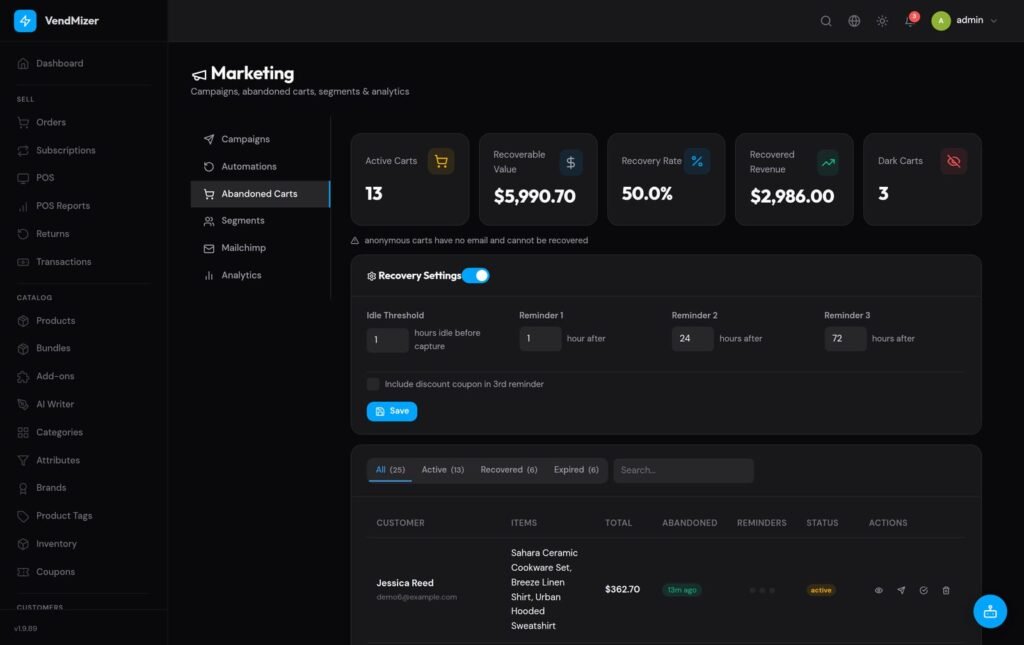
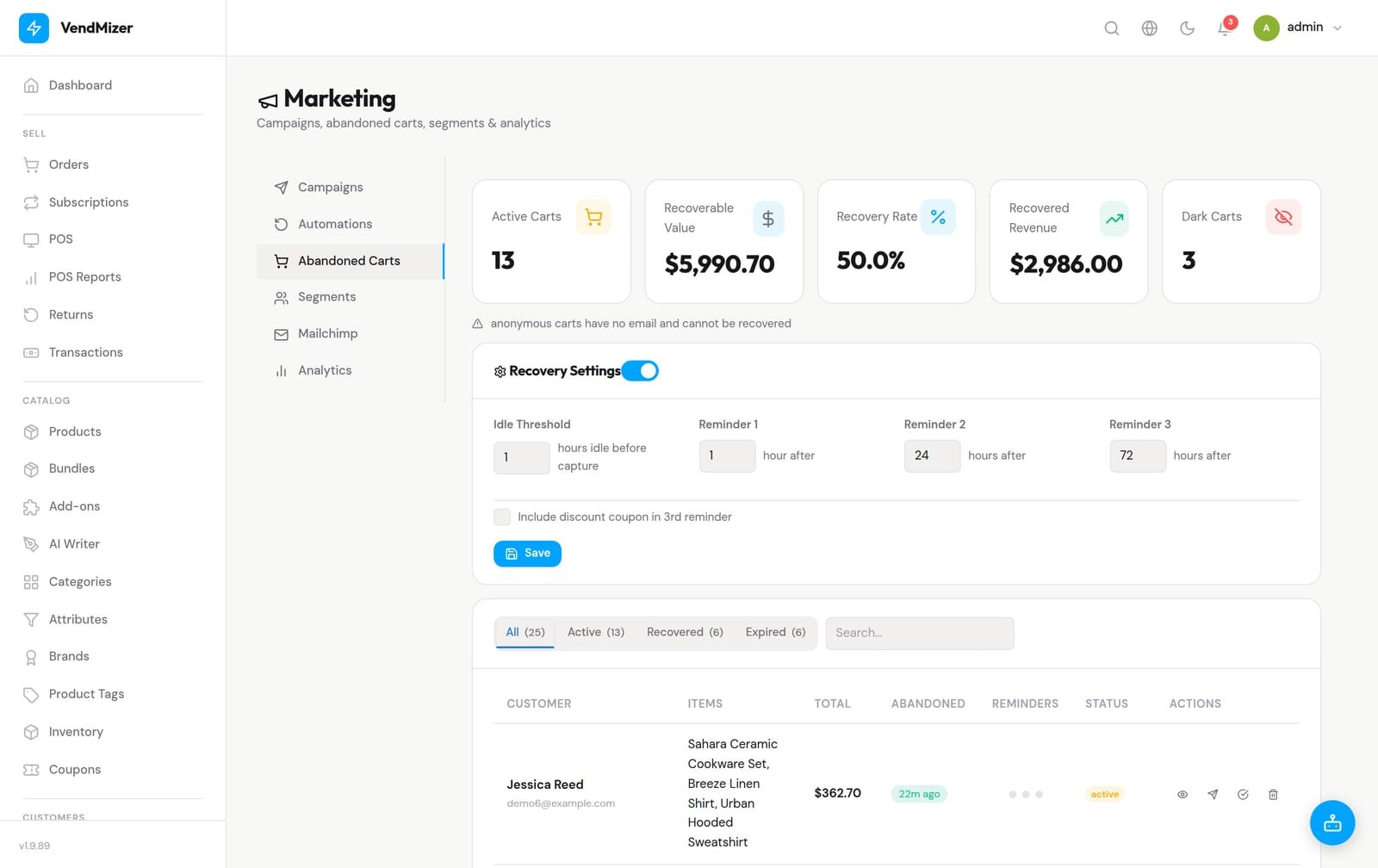
Abandoned-cart visibility is one example. A dedicated dashboard can show captured carts, recoverable revenue, and recovery activity in one place. That gives you a practical way to identify missed purchases and decide which follow-up process fits your business. Instead of discovering abandoned carts through a separate service, you can review them alongside the rest of your store operations.
Monitor captured carts, recovery activity, and recoverable revenue in VendMizer
Built for multilingual and RTL commerce
International selling is more than translating a few labels. Customers need a storefront that reads naturally, displays correctly, and supports the direction of their language. VendMizer supports multilingual commerce and full RTL support, helping businesses serve customers in both left-to-right and right-to-left markets from the same platform.
That matters for Arabic stores and for businesses that serve multiple regions. Product pages, navigation, and storefront layouts need to remain usable when the language and reading direction change. A connected platform makes this part of the store experience easier to manage than relying on a patchwork of translation and layout tools.
Start with VendMizer Free and expand with VendMizer Pro
VendMizer Free gives businesses a way to start building their store without treating the free version as a temporary trial. It is a foundation for launching and learning how the platform fits your workflow. As your requirements grow, VendMizer Pro provides an upgrade path for businesses that need more advanced capabilities.
This distinction is important for planning. You can begin with the tools appropriate to your current stage, then expand when your catalog, team, sales process, or customer needs justify it. You do not have to redesign the entire store simply because your business is ready for more functionality.
More ownership, fewer dependencies
VendMizer is built for store owners who want more control over their commerce system. As a WordPress platform, it keeps your website and store in a familiar environment while reducing the need to combine unrelated eCommerce plugins for every essential task. That can simplify administration, improve visibility, and make decisions easier to trace.
It also leaves room for the services your business already uses. Payment options may include providers such as Stripe or PayPal, while regional businesses may need services such as Tamara, Tabby, Moyasar, Aramex, SMSA, or Naqel. The important point is having one commerce system where these connections can serve a consistent store workflow. VendMizer can also fit businesses that need multilingual operations, RTL presentation, and an eCommerce foundation they can expand over time.
Is VendMizer right for your store?
VendMizer is a strong fit if you want to manage your store from one connected WordPress eCommerce platform rather than maintain a long chain of essential plugins. It is especially useful when you need clearer administration, visual storefront control, multilingual commerce, full RTL support, and a path from VendMizer Free to VendMizer Pro.
The best choice depends on your business model, required integrations, and preferred workflow. Before choosing any platform, list the tasks your team performs every week: adding products, processing orders, reviewing payments, supporting customers, updating the storefront, and following up on lost sales. If you want those tasks connected in one place, start with VendMizer and build your store around a simpler operating system.